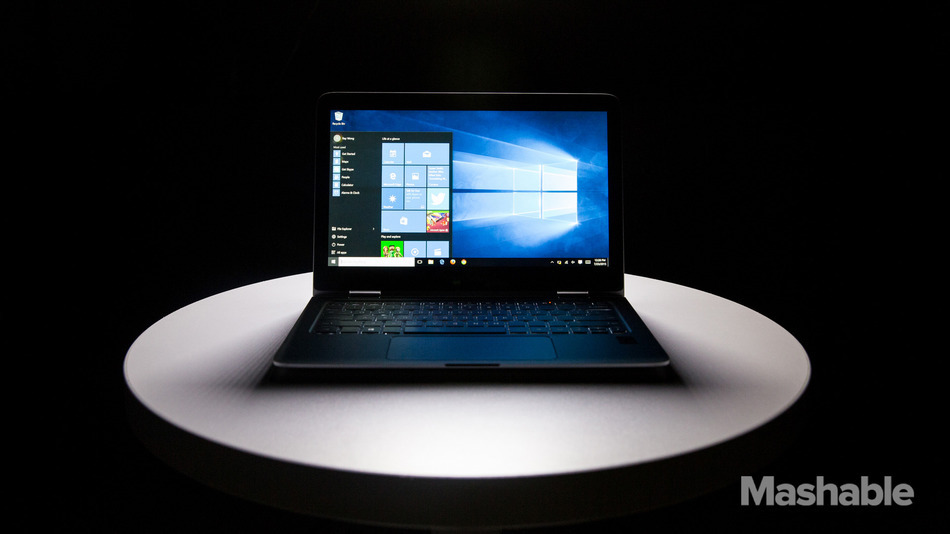
Windows 7 and 8 loyalists rejoice. Microsoft has released detailed instructions to turn off the insistent notifications about upgrading your operating system to Windows 10.
The process itself is pretty complicated, so be prepared to roll up your sleeves and copy in some code. Don’t be worried if you don’t know exactly what you’re doing though; Microsoft holds your hand in a clear and concise step-by-step tutorial. You’re going to have to open up the Registry Editor on your computer and add in the code provided by Windows, but the guide makes it pretty clear by detailing exactly what to do.
Windows 10 was released as a free upgrade to Windows 7 and 8.1 owners in July this year, and Microsoft hasn’t stopped pushing it. The new OS hasn’t had a lot of early adopters since it came out, and still hovers between 10-20% of Windows web traffic, according to web traffic-tracking company GoSquared.
Windows 10 came after the poor reception of Windows 8, which reimagined Windows as a tile-based stream of applications with an option to switch to the more standard desktop home screen. There was a general aversion to the tile start screen, which was meant to cater to both tablet and desktop users, and ultimately fell short on both ends. Other design updates disregarded Windows conventions, which led to a lot of frustration from users. Windows 8, which launched in October 2012, has been roughly in line with Windows 10 traffic numbers.
Windows 7 still leads the pack with a typical share of over 50%, which is probably why Microsoft has been pushing so hard for the Windows 10 upgrade.
If you’re on the opposite end of the Windows spectrum and need reminders to upgrade out of Windows 8.1, Microsoft has provided a similar guide to turn the notifications on. It is located just under the guide to disable them.